
CaptionCreator
Open siteIntroduction
Auto video subtitle generator for quick and accurate transcription and translation.




CaptionCreator Product Information
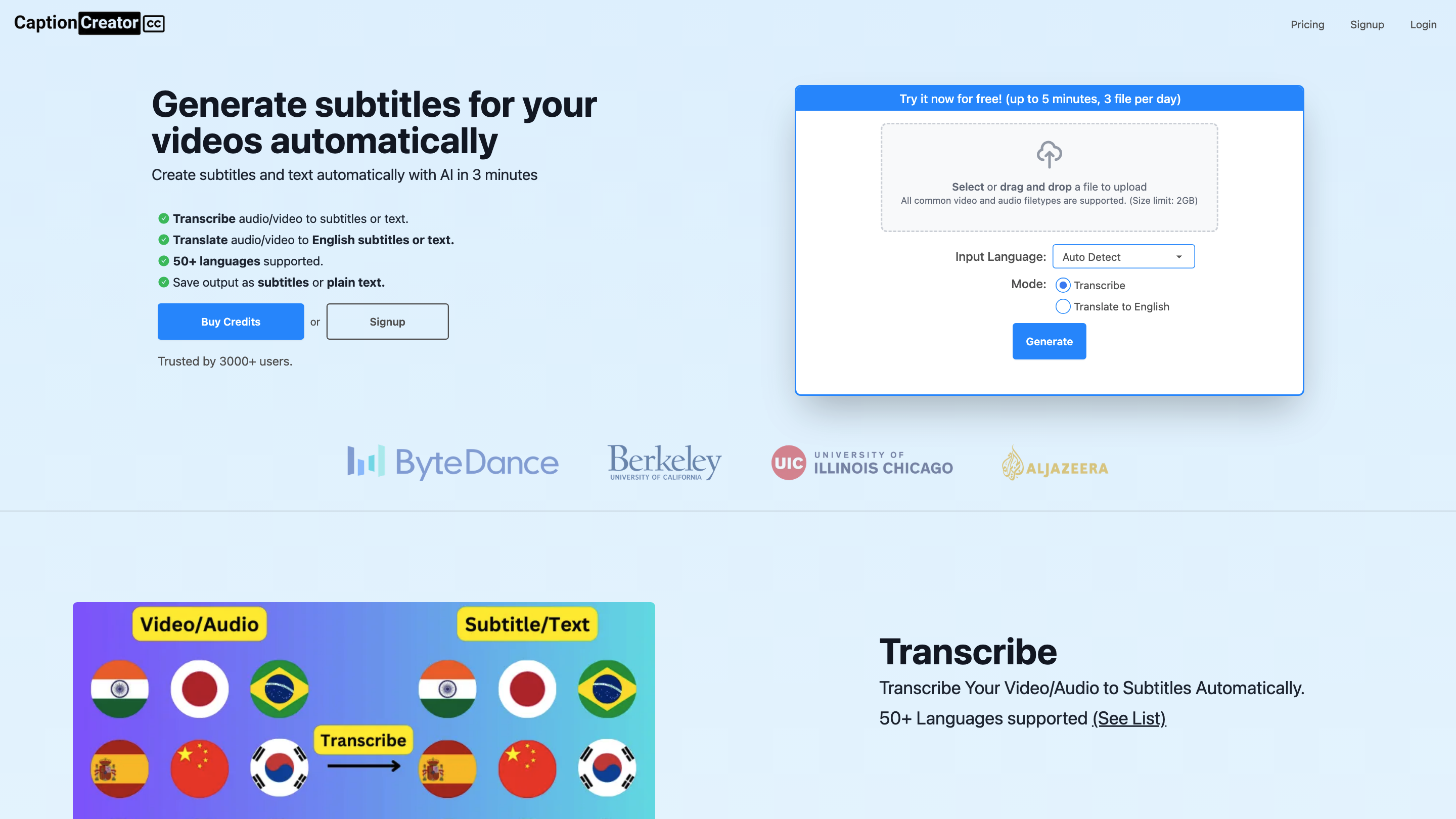
CaptionCreator: Online AI Subtitle Generator is an AI-powered service that automatically transcribes and translates video and audio content into subtitles or plain text. It supports 50+ languages, auto-detection of input language, noisy audio handling, and translation to English. Users can upload files up to 2GB, process multiple files (with a daily free limit), and pay with credits (no subscription). The platform emphasizes fast turnaround, multilingual support, and flexible usage without mandatory signup for basic usage.
How to Use CaptionCreator
- Upload your file. Drag-and-drop or select a video/audio file (supported formats: all common video and audio types; size limit: 2GB).
- Choose your mode. Options include Transcribe, Translate, and Generate.
- Set input language (auto-detect). If needed, manually specify the language for better accuracy.
- Process. The AI transcribes or translates your media to subtitles or plain text.
- Download/Export. Save output as subtitles (E.g., SRT, VTT) or plain text.
Free usage: up to 3 files per day for unregistered users (less than 5 minutes each). Credits-based system allows longer or more frequent processing.
Language and Translation Capabilities
- Input Language Detection: Auto-detects the spoken language in your media.
- 50+ Supported Languages for transcription and translation.
- Translate to English: Generate English subtitles or text from multi-language media.
- Noisy Audio Support: Improved accuracy in challenging audio environments.
- Multilingual recognition handles diverse accents and speech patterns.
Pricing and Usage Model
- Credits-based Pay-Per-Use: Each credit corresponds to one minute of processing (video or audio).
- No subscription required for basic use; credits don’t expire as long as the account remains active with at least one yearly login.
- Free tier available (up to 3 files per day, under 5 minutes each) without signup; additional usage requires credits.
Output Formats
- Subtitles: SRT, VTT, and other common subtitle formats.
- Plain text transcripts for quick reading or further editing.
Safety and Privacy Considerations
- Subtitles/transcripts are generated from uploaded media; review privacy policies for data handling and retention.
Core Features
- Auto transcription with language auto-detect
- Translate transcripts/subtitles to English (or other languages via translation)
- 50+ languages supported for transcription and translation
- Noisy audio handling for better accuracy
- Upload any common video/audio file types (up to 2GB)
- Subtitles export in SRT, VTT, and text formats
- Credit-based pricing with no ongoing subscription
- Free usage tier: up to 3 files per day (no signup required for basic use)