
DeskDay
Open siteOffice & Productivity
Introduction
DeskDay is an AI-powered platform that provides IT support for MSPs, improving efficiency.




DeskDay Product Information
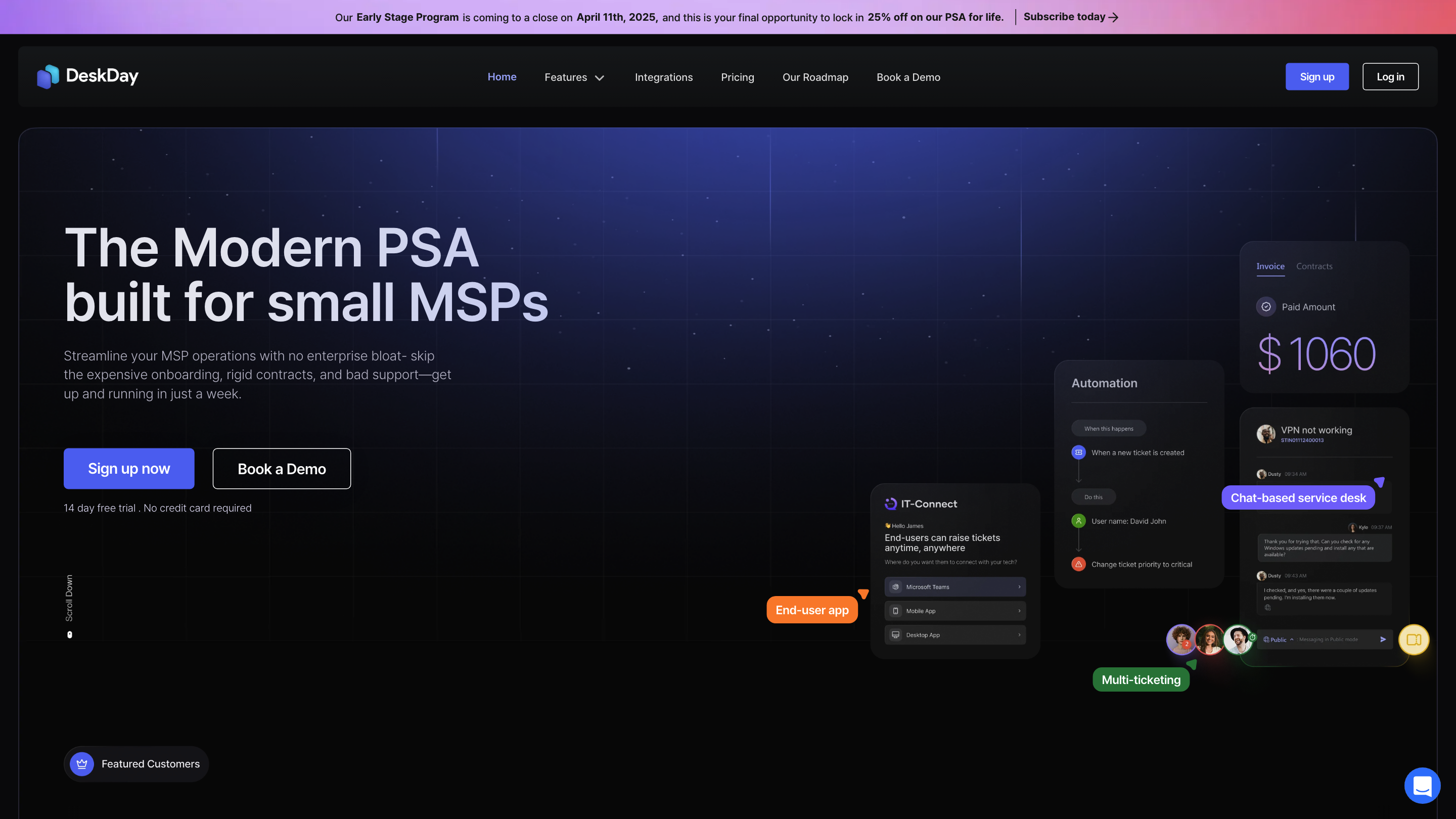
DeskDay PSA for MSPs is a chat-based, all-in-one Professional Services Automation (PSA) platform designed for small to mid-sized MSPs. It emphasizes speed, simplicity, and scalability by delivering a multi-channel, chat-first service desk experience that integrates ticketing, project management, billing, time tracking, reporting, and end-user engagement. The tool aims to streamline MSP operations from tickets to billing, with an emphasis on faster resolution, automation, and easier onboarding compared to traditional PSAs.
How DeskDay Works
- Users interact with a chat-based service desk to create and manage tickets across multiple channels (including Microsoft Teams) via IT-Connect end-user app and desktop/mobile endpoints.
- Real-time updates and instant notifications keep end-users and technicians in the loop.
- Multi-ticketing and cross-channel support enable handling multiple issues simultaneously and across platforms.
- Integrated project management, time tracking, and billing provide a cohesive workflow from incident to invoice.
- An extensive integrations roadmap and in-app resources (DeskDay TV, blogs, and release notes) support continuous learning and expansion.
Key Capabilities
- Chat-based Service Desk: The world’s first chat-based PSA focused on speed and conversational ticketing.
- End-User Apps: IT-Connect provides built-in, multi-channel access for end-users and technicians.
- Multi-Ticketing: Manage up to 7 tickets concurrently per end-user interaction to accelerate response times.
- Multi-Channel Experience: Unified ticketing across channels (including Microsoft Teams, Windows, Mac, iOS, Android).
- Project Management: Real-time project tracking and team collaboration linked to tickets.
- Billing and Timekeeping: Efficient billing workflows with intelligent time entry and verification.
- Reports: Advanced analytics for visibility and optimization.
- Mobile and Desktop Apps: Support on-the-go and direct-from-desktop access.
- Integrations: Planned and available integrations to fit into existing MSP toolchains.
How to Use DeskDay
- Sign up for the 14-day free trial (no credit card required).
- Connect your MSP tools and channels (e.g., Microsoft Teams, IT-Connect).
- Open the chat-based service desk to create tickets, manage projects, log time, and generate invoices.
- Use the dashboard and reports to monitor performance and adjust workflows.
Pricing and Plans
- Early Stage Program offering 25% off for life if you subscribe before April 11, 2025.
- Free trial available to test features before committing.
Safety and Compliance
- Designed for MSP workflows with emphasis on speed, scalability, and ease of onboarding. Ensure data privacy and channel configurations align with your organization’s policies.
Core Features
- Chat-based service desk for rapid ticketing
- End-user IT-Connect multi-channel app
- Multi-ticketing (up to 7 tickets at a time)
- Multi-channel ticketing (Teams, Windows, Mac, iOS, Android)
- Real-time project management and collaboration
- Time tracking with time entry verification
- Billing and invoicing integration
- Advanced reports and analytics
- Mobile and desktop apps for technicians and end-users
- Integrations roadmap for tool-stack compatibility