
DiverseShot AI
Open siteVideo & Animation
Introduction
AI toolkit for transforming videos into 3D experiences




DiverseShot AI Product Information
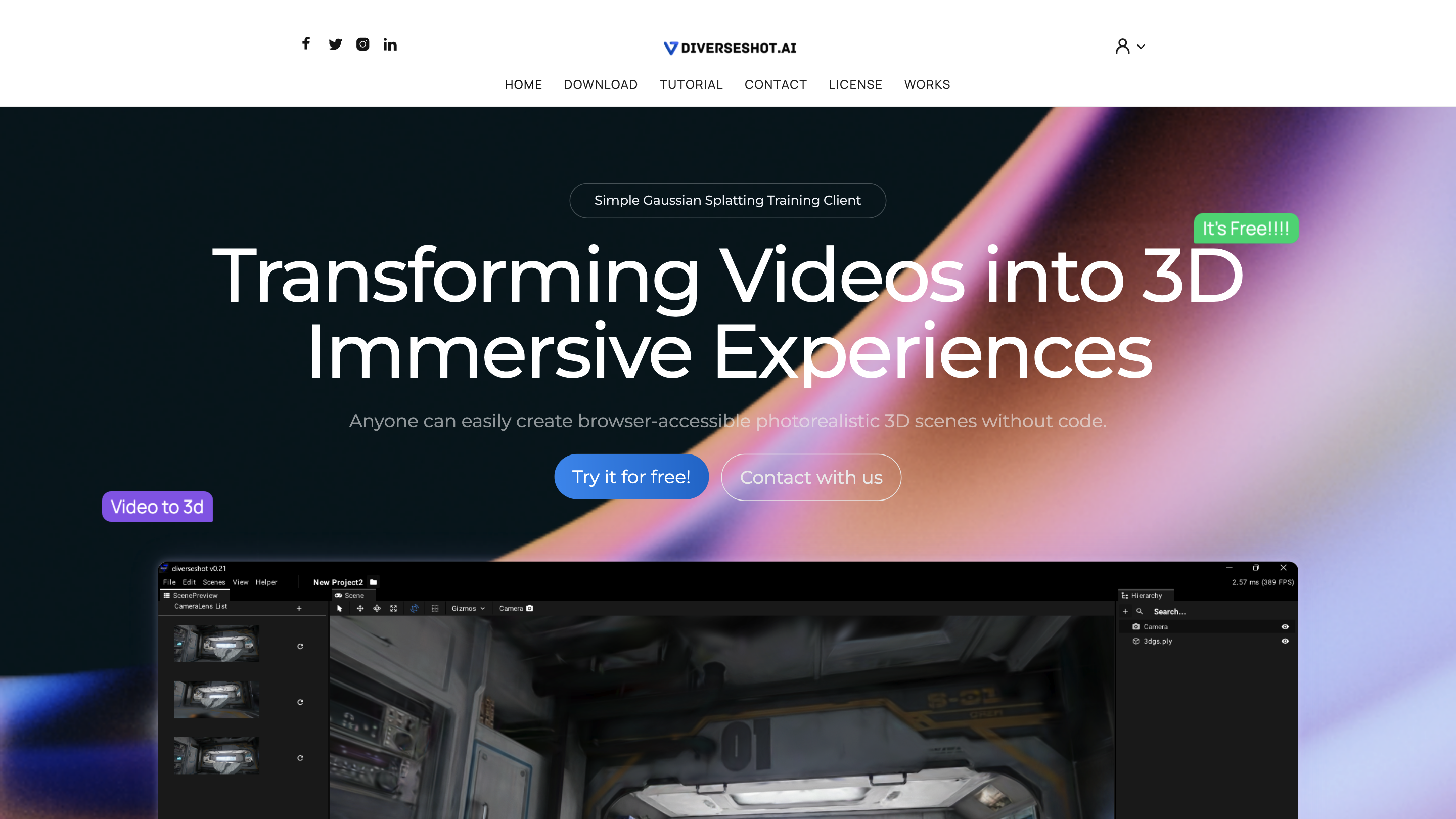
**DiverseShot AI - Simple Gaussian Splatting Training Client for Video to 3D
DiverseShot AI is a browser-accessible, no-code toolkit that enables you to convert videos into photorealistic 3D scenes using Gaussian Splatting. It guides you through a straightforward three-step workflow to create a reusable 3D reconstruction from multi-angle footage and export it for web visualization.
Key flow:
- Shoot a video from multiple angles
- Use any camera or smartphone to place the object at the center of the frame and capture a full 360-degree sequence. A helically ascending orbit around the object yields better results.
- Run Gaussian Splatting training in DiverseShot
- Drag the captured video or sequence frames into the DiverseShot client viewport.
- A project is created automatically and training begins.
- Monitor results in real time during training and crop out any unnecessary point clouds as needed.
- Export and view
- After training and adjustment, export the reconstruction as .ply files from the DiverseShot client.
- You can view the .ply files with any rasterization renderer; Spline is recommended for final display in a web browser.
Additional resources and workflow notes:
- DiverseShot Coach updates, tutorials, and best practices are available to guide you through the process.
Disclaimer: The tool is designed for browser-based, no-code 3D reconstruction via Gaussian Splatting and is positioned for ease of use and rapid iteration.
How to Use DiverseShot AI
- Shoot and collect multi-angle footage of the target object.
- Import video/frames into the DiverseShot client to automatically create a project and start training.
- Review, crop, and refine in real time, then export to .ply for web viewing.
Workflow Visuals and Suggested Tools
- Final viewing via Spline (free 3D design software with real-time collaboration) for interactive browser experiences.
- Optional compatibility with additional renderers for verification.
Safety and Best Practices
- Ensure you have rights to reproduce the object and consent for any people present in the footage.
Core Features
- Browser-based, no-code Gaussian Splatting training
- Automatic project creation when you drop footage
- Real-time visualization during training with crop controls
- Multi-angle video support for robust 3D reconstruction
- Export to .ply format for viewing with rasterization renderers
- Recommended workflow integration with Spline for web experiences
- Free to use and accessible directly in the browser