
flowtext.io
Open siteOther
Introduction
Automatically copy 2FA codes from SMS to clipboard for easy login.




flowtext.io Product Information
Flowtext.io: Auto Detect & Copy 2FA SMS Codes for MacOS to Chrome
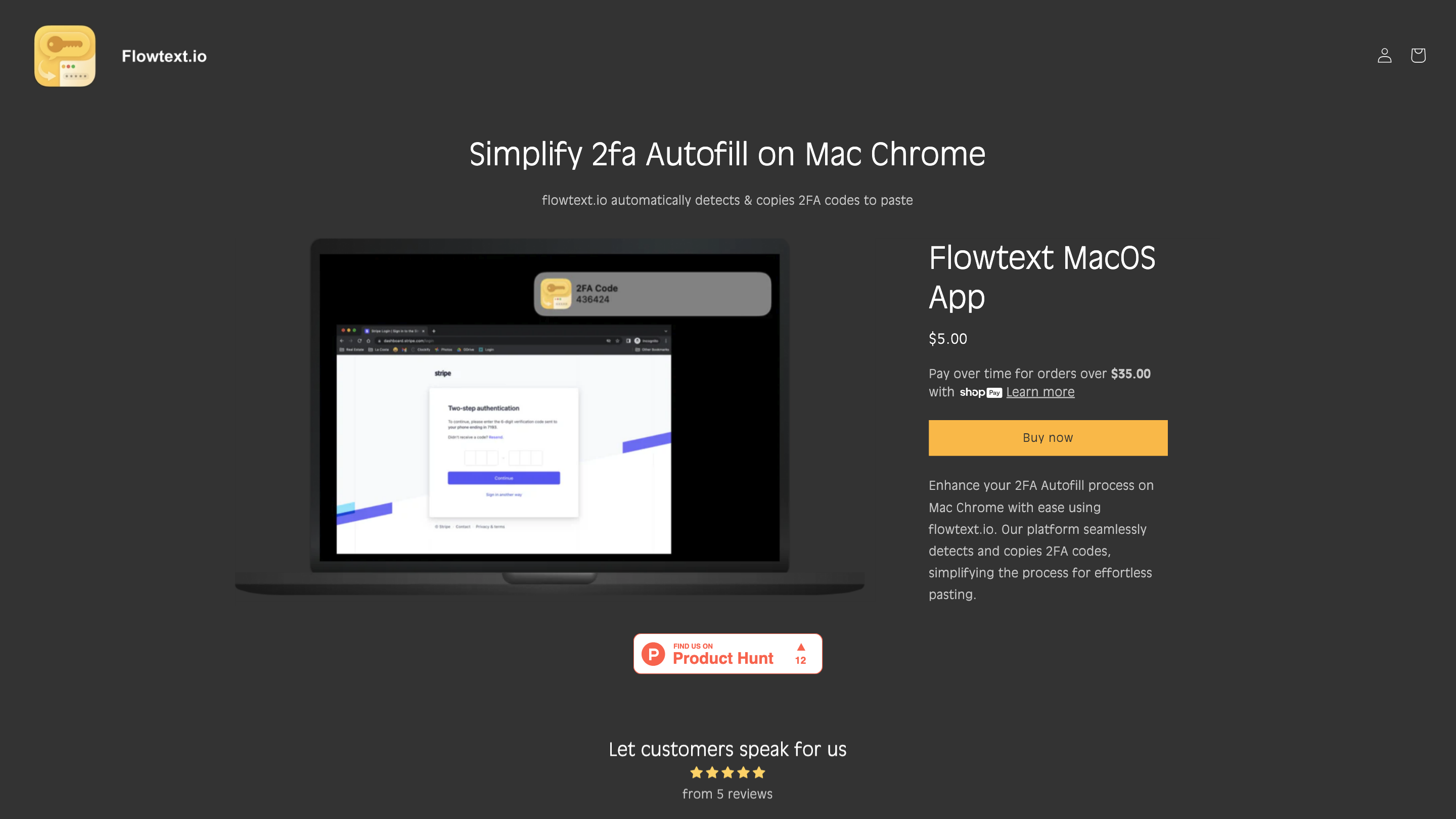
Flowtext.io is a MacOS application that automatically detects incoming 2FA (two-factor authentication) codes from SMS messages and copies them to your clipboard for easy pasting into Chrome or other apps. The tool aims to streamline the 2FA login process by eliminating manual copying and pasting of codes while prioritizing security and privacy.
How Flowtext.io Works
- Flowtext.io monitors incoming SMS messages on MacOS.
- When a 2FA code is detected, it is instantly copied to your clipboard.
- You are notified of the new code, ready for pasting into the required field.
Flowtext.io supports codes from a variety of services (banks, social platforms like Instagram, GitHub, Gmail, etc.) and plans to expand the list of supported services over time. The app is designed to keep your data on-device, avoiding any outbound data transmission.
Setup & Getting Started
- Download the app from Flowtext.io’s website or your device’s app store.
- Install and open the application, then complete the on-screen setup.
- Ensure permissions are granted so the app can read iMessage/SMS content on your Mac.
- Receive 2FA codes automatically copied to your clipboard and paste where needed.
Use Cases
- Quickly paste 2FA codes from iMessage into Chrome or other browsers.
- Improve login speed for services that rely on SMS-based 2FA.
- Reduce manual typing errors when entering codes.
Feature List
- Automatic detection of 2FA codes from incoming SMS messages
- Automatic copying of detected codes to clipboard
- MacOS-focused integration with iMessage SMS
- Quick paste workflow into Chrome and other apps
- Privacy-conscious: on-device processing to minimize data exposure
- Expandable service support for more providers and 2FA formats
Safety & Privacy Considerations
- The app emphasizes privacy by keeping sensitive data on your device and not transmitting codes externally.
- Use with trusted devices and services to ensure a secure 2FA workflow.