
I18n Code
Open siteEducation & Translation
Introduction
AI translation for JSON and Markdown localization.




I18n Code Product Information
I18n Code - Translate JSON files and blog posts into multiple languages is a multilingual localization tool designed to translate JSON-formatted text and content into a wide range of languages. It emphasizes easy JSON input, direct translation results, and targeted localization to improve readability and naturalness in the target language. The tool supports numerous languages (e.g., English, 中文, 日本語, 한국어, русский, português, polski, and many more) and is designed for translating JSON values with minimal formatting adjustments. It also provides guidance on usage, FAQs, and related resources to assist users in achieving accurate and context-aware translations.
How to Use I18n Code
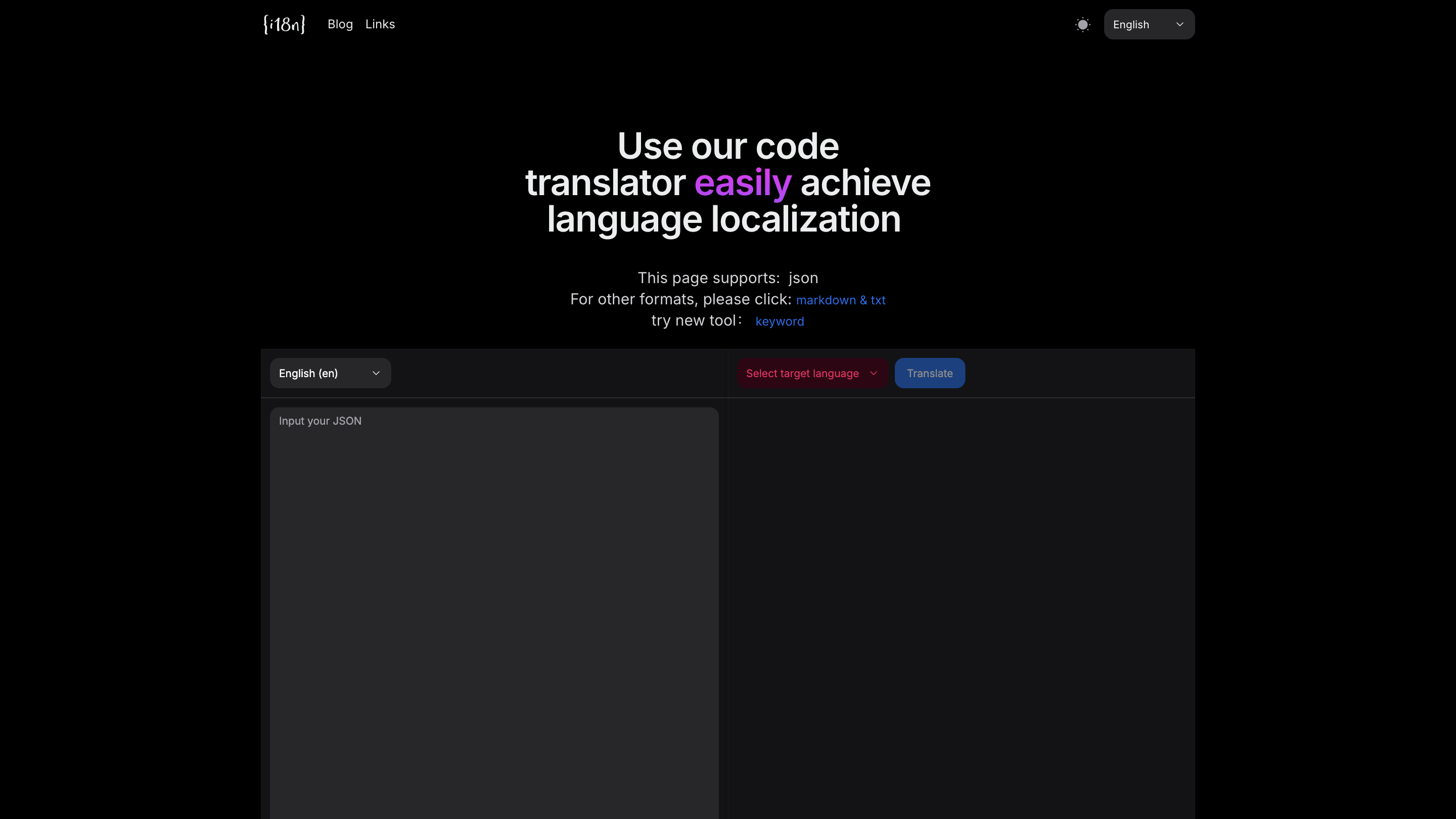
- Copy your JSON text. Paste the JSON you want to translate into the input area.
- Select source and target languages. Choose the current language of the content and the language you want to translate into.
- Click Translate. Wait for the translation results and review the output.
- Review and adjust. Make any necessary edits to ensure accuracy, especially for technical terms or context-specific phrases.
Supported Formats
- Primarily JSON text for translation. Other formats (markdown, txt) are mentioned for broader usage if available.
Language Support
- A wide range of languages including English, 中文, 日本語, 한국어, русский, português, polski, and more (as listed in the tool interface).
How It Works
- Paste JSON formatted text; select source and target languages; the tool uses AI-based localization to produce more natural and compliant translations.
- Focuses on translating JSON values while maintaining the structure and keys where appropriate.
FAQ Highlights
- What is i18n and why internationalize translation tools?
- What file formats are supported?
- How to use the translator effectively?
- How accurate are translations and how to verify correctness?
- How are technical terms handled?
- How to provide feedback on translation errors?
Core Features
- JSON-based translation workflow designed for word/phrase localization inside JSON values
- Broad language support with automated localization that aims for natural phrasing in the target language
- Simple three-step process: paste JSON, select languages, translate
- Guidance and FAQs to assist with accuracy and terminology handling
- Easy review and manual adjustment after translation
- Clear emphasis on keeping JSON structure intact during translation