
Letterly App
Open siteWriting & Editing
Introduction
Convert speech to clear & structured text.




Letterly App Product Information
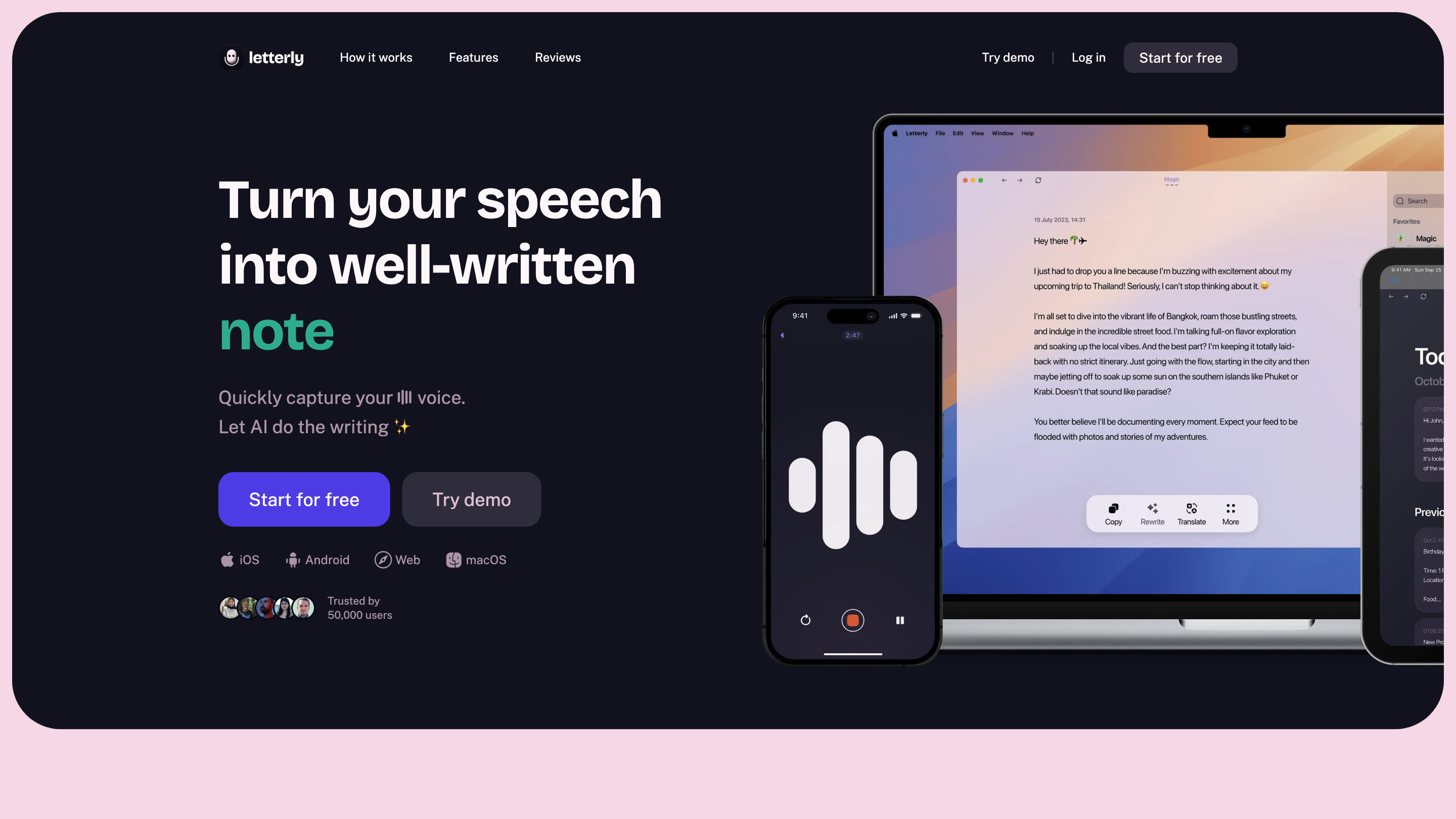
Letterly · AI speech to clear text mobile app turns your spoken thoughts into well-written, ready-to-use text. Speak naturally and let AI convert, structure, and rewrite your content for notes, messages, emails, social posts, journaling, and more. No-signup experience required to try; advanced features unlock with a free start and optional sign-in for syncing across devices.
How it works
- Speak your unstructured thoughts into the app.
- AI processes the audio into polished, structured text in seconds.
- Copy, share, or export the generated text for immediate use.
Core use cases
- Note-taking and idea capture
- To-dos, shopping lists, and planning
- Messages, comments, and emails that are clear and easy to read
- Content creation for social media posts, articles, newsletters, and scripts
- Journaling thoughts, memories, and reflections
Features and capabilities
- 90+ languages automatically recognized
- Screen-off recording and background recording for on-the-go capture
- Widget for quick one-tap start
- Offline recording (no internet required)
- Syncing across iOS, Android, web, and Mac
- Translation to translate speech into text in various languages
- 25+ rewrite options to tailor tone and style
- Structured text output with paragraphs, bullets, and headings
- Formal emails, friendly messages, and to-do lists generation
- Audio-to-text accuracy informed by linguists’ AI training
Language and accessibility
- Supports 90+ languages for broad global use
- Automatic language detection to minimize manual setup
Platform availability
- iOS
- Android
- Web
- macOS
How to use Letterly
- Open the app and start recording (or use background/screen-off mode).
- Speak your thoughts clearly; the app transcribes and formats the text.
- Use rewrite options or choose a target format (email, post, notes, etc.).
- Copy, export, or share your polished text.
Safety and privacy
- Transcripts are generated locally or in the cloud depending on platform and settings; review privacy policies for data handling.
Core Features
- AI-powered speech-to-text with fast, polished output
- Real-time and offline recording options (screen-off, background)
- Multilingual support (90+ languages) with automatic detection
- Structured text with formatting options (headings, bullets, paragraphs)
- 25+ rewrite styles to tailor tone and style
- Transcription syncing across devices (iOS, Android, Web, Mac)
- Translation capabilities for multilingual workflows
- Quick export and sharing for notes, emails, posts, and scripts