
Music 2 Tube
Open siteVideo & Animation
Introduction
Music 2 Tube is a platform for creating and uploading music videos to YouTube, Instagram, and TikTok.




Music 2 Tube Product Information
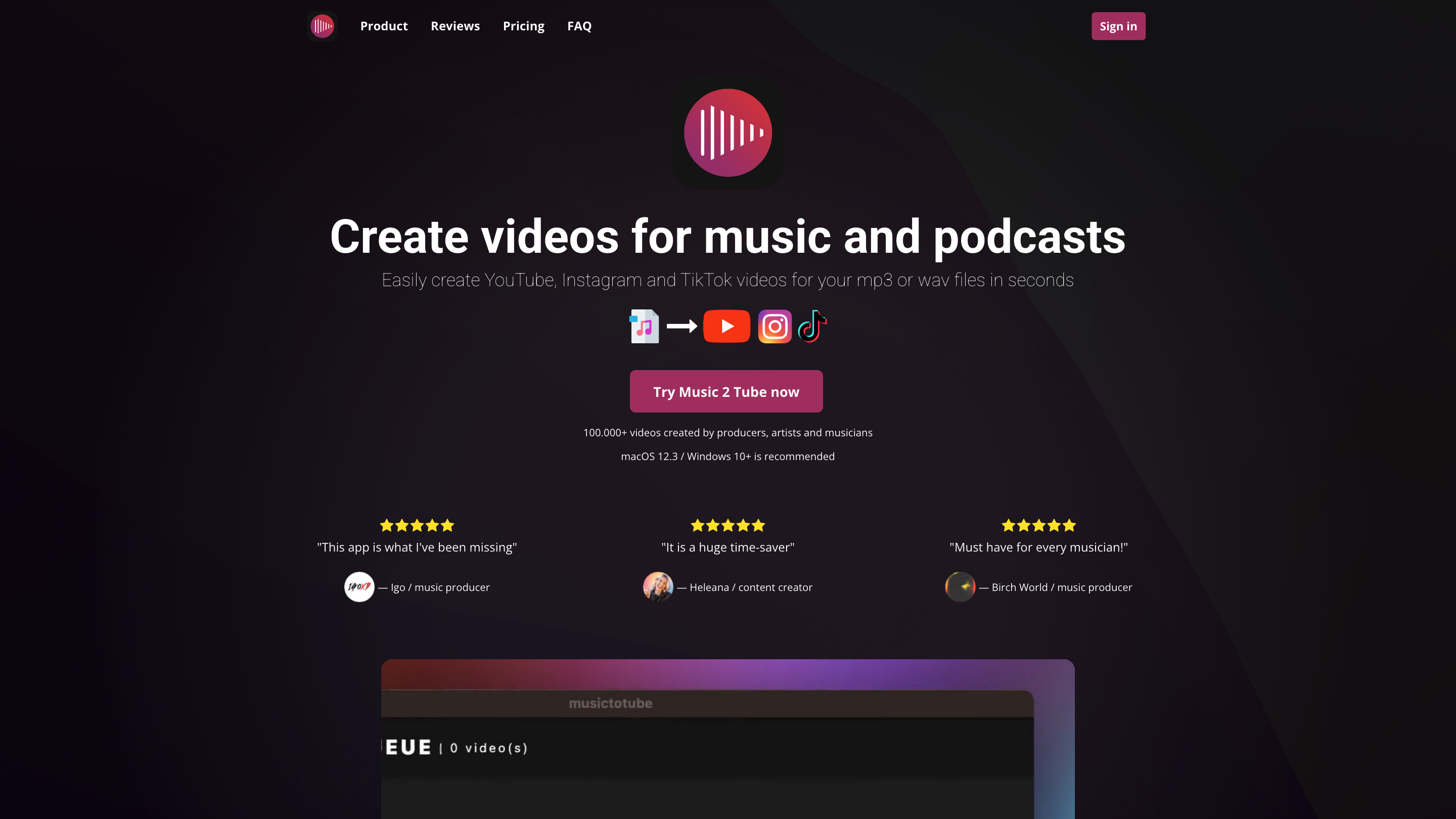
Music 2 Tube is a video creation tool designed for musicians, producers, and podcasters to transform audio tracks (mp3 or wav) into engaging video content tailored for YouTube, Instagram, Reels, Shorts, and TikTok. With bulk video creation, cloud support, and easy publishing workflows, it helps users produce and upload videos quickly without compromising audio quality.
How to Use Music 2 Tube
- Prepare your audio and visuals. Ensure you have an mp3 or wav file and an image to serve as the video cover.
- Create videos. Import your audio and optional image. Use bulk creation to queue multiple files for processing.
- Customize. Apply overlays, branding, and effects (VHS, grain, blur backgrounds, etc.).
- Publish. Upload directly to YouTube or export locally, with auto-upload options for scheduled publishing.
Features
- Beat video creation from audio files (mp3, wav) with image cover
- Bulk video creation and queue-based processing
- Direct uploads to YouTube and scheduled auto-upload
- Support for YouTube, Instagram, Reels, Shorts, and TikTok formats
- GIF animations and overlays (VHS, grain, blur background, watermarking)
- Branding options: custom image cover, logos, and watermarks
- Cloud support and file access from Google Drive and other cloud services
- Free or affordable pricing with lifetime, yearly, and weekly subscriptions
- Hardware-accelerated rendering with minimal impact on audio quality
- User testimonials highlighting ease of use and time-saving capabilities
Plans & Pricing
- Lifetime: one-time payment with access to all functionalities
- Yearly: ongoing access with all features
- Weekly: short-term access with all features
- All plans include unlimited videos, no watermark on Music 2 Tube branding, and multiple YouTube channel connections depending on the plan
- Support for secure payments via Stripe and a money-back guarantee
Compatibility & System Requirements
- Operating systems: Windows 10+ and macOS
- Supported audio formats: mp3, wav
- Supported image formats: JPG, JPEG, PNG, GIF
- YouTube upload limits align with YouTube's policies (unverified vs verified accounts may have different quotas)
- No mobile app (designed for desktop: Windows and Mac)
What You Can Do with It
- Create video content that pairs visuals with music quickly
- Schedule and automate publishing to YouTube and other platforms
- Maintain audio fidelity while rendering visually appealing videos
- Apply branding and overlays to ensure videos match your artist or label style
Support & Resources
- Tutorials: access a library of video tutorials for getting started and mastering features
- Customer support via live chat, email, Discord, and social channels
- Refund policy if issues cannot be resolved within 5 business days
Safety & Legal Considerations
- Use licensed audio and visuals and comply with platform policies when publishing content
- Respect copyright and consent when using artwork or third-party content