
Ncurator
Open siteOffice & Productivity
Introduction
Personal AI assistant for managing data and knowledge base.




Ncurator Product Information
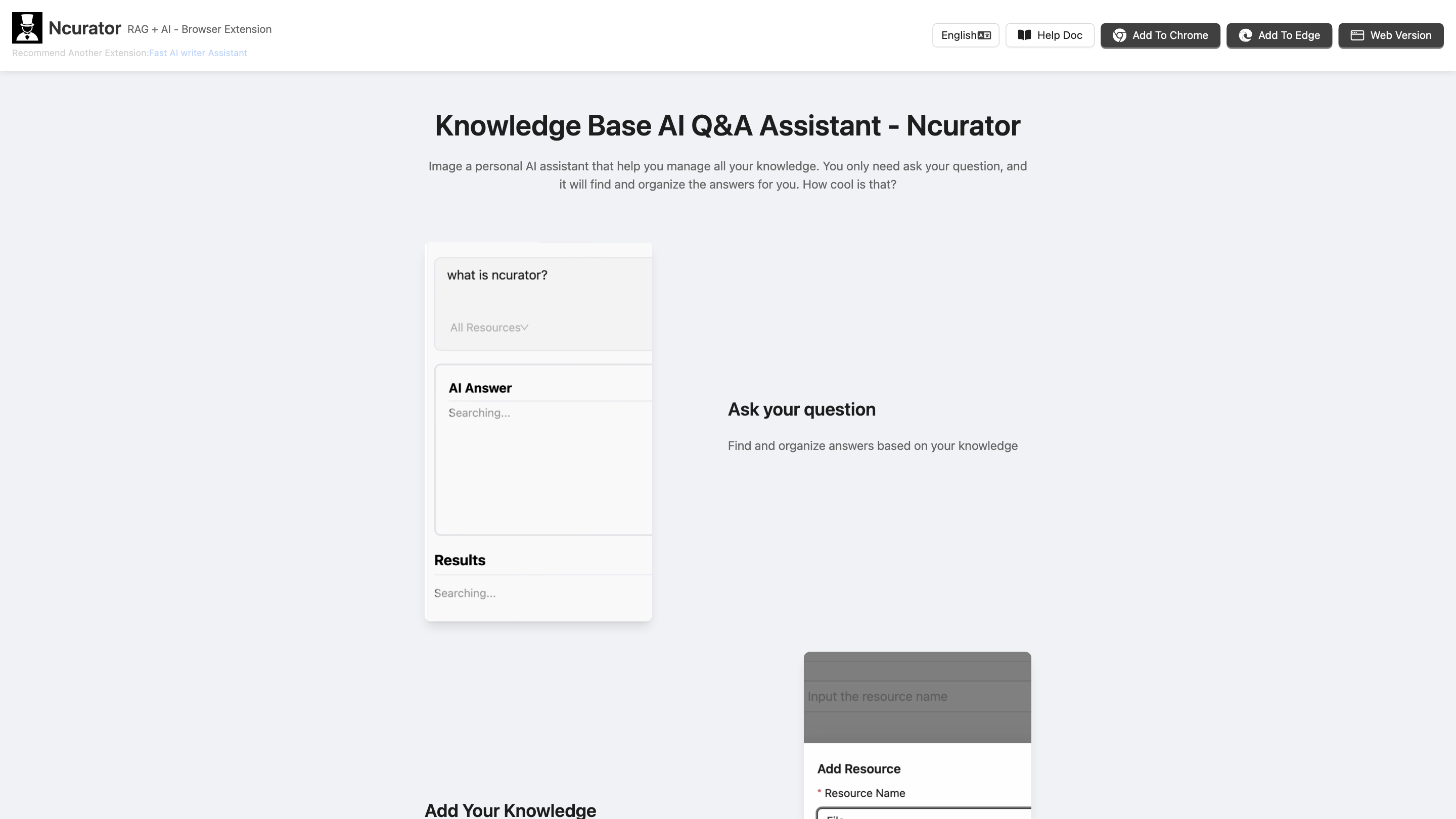
Ncurator Knowledge Base AI Q&A Assistant is a personal AI assistant that helps you manage all your knowledge. You simply ask your question, and it finds and organizes the answers from your own data. It emphasizes local data processing, privacy, and seamless integration with your existing tools.
Overview
- An on-device knowledge base assistant that ingests your documents, crawls webpages, and builds a searchable knowledge store.
- Supports quick Q&A over your own data without sending your information to external servers.
- Available as a browser extension and a web/desktop solution with optional integrations to popular services.
How It Works
- Import and build your knowledge base: Import PDFs, DOCX, TXT, or crawl webpages and bookmarks to populate your local knowledge store.
- Semantic and keyword search: Use natural language queries to retrieve the most relevant information from your local data.
- AI analysis and Q&A: The AI analyzes your knowledge base to generate concise answers, summaries, and insights.
- Store locally, optional cloud connectors: All data can be stored locally on your computer. Optional connectors (Notion, Gmail, Google Drive, etc.) are available for broader workflows.
Key Features
- Local data storage: All data can remain on your device for privacy.
- Import and crawl: Add PDFs, Docx, web pages, bookmarks, and more.
- Semantic search: Find precise information with improved relevance.
- AI Q&A: Get direct answers, summaries, and insights from your knowledge base.
- Browser extension: Quick access for on-the-fly knowledge work while browsing.
- Integrations: Connect Notion, Gmail, Google Drive, and other services for expanded workflows.
- Multiple LLM options: Choose a local or cloud LLM model as needed.
- Offline usage: Run with offline LLM for privacy and resilience.
- Data security: Local-first approach with optional cloud sync kept under your control.
How to Use Ncurator
- Install the extension or desktop/web app and follow the setup prompts.
- Import content: Upload PDFs, Word docs, or crawl web pages; organize into collections or notebooks.
- Ask questions: Enter natural language queries to retrieve answers or ask for summaries.
- Review results: Read generated answers, refine queries, and save useful insights back into your knowledge base.
- Sync and connect: (Optional) connect with Notion, Gmail, Google Drive, etc., to enrich and synchronize data across tools.
Safety and Privacy Considerations
- Local-first design: Data can be stored locally for privacy and control.
- Optional cloud integration: Use connectors at your discretion; ensure you review data policies for each service.
- No sensitive data leakage: Queries and results can be kept private to your environment when not using connectors.
System Requirements
- Modern browser with WebGPU support (or equivalent local inference capability).
- Sufficient CPU/RAM for your chosen LLM model (8GB+ for local LLM, higher for larger models).
- Desktop or laptop environment for best performance and offline use.
Why Users Love It
- Deeply integrates with personal reading and bookmarking workflows.
- Builds a personalized knowledge base that grows with you.
- Strong Chinese content handling and vector search capabilities (as highlighted by user testimonials).
User Testimonials (Selected)
- Z 张三: “今天刚刚体验了馆长,感觉很赞 hit到我的痛点。”
- S 宝: “感觉比dify的 知识库 设置更简单.”
- L 刘: “最近在使用您開發的Chrome插件時,發現這個工具真的很強大!特別是在處理中文內容的向量搜索這塊,效果特別好。”
- 阮一峰: “一个浏览器插件,通过导入文件或者爬取网页,建立自己的知识库,与内容聊天。”
- C chen chen: “先说结论,总体来说馆长是一款非常不错的产品,对于我这种每天阅读和收藏网页的人来说,真是一个非常好的解决方案。”
- J Jeff Lee: “很感谢你开发了馆长插件,对于构建个人的知识库帮助挺大的,能够提高效率。”
Alternatives & Related Capabilities
- If you need more automated content generation or content rewriting, consider the built-in AI writing features in the same ecosystem.
- For collaborative teams, there are workflow options to share knowledge bases securely with other users or teams.
Core Features
- Local-first AI knowledge base:
- - Import, crawl, and organize content on-device
- - Semantic search and AI-assisted Q&A over your data
- Browser extension for instant access while browsing
- Flexible data connectors (Notion, Gmail, Google Drive) for extended workflows
- Offline-friendly with local LLM options
- Privacy-preserving: user data stays on your device unless you opt into cloud sync