
Palette.fm
Open siteIntroduction
Palette.fm is an AI colorize tool for adding color to black and white images without signing up.




Palette.fm Product Information
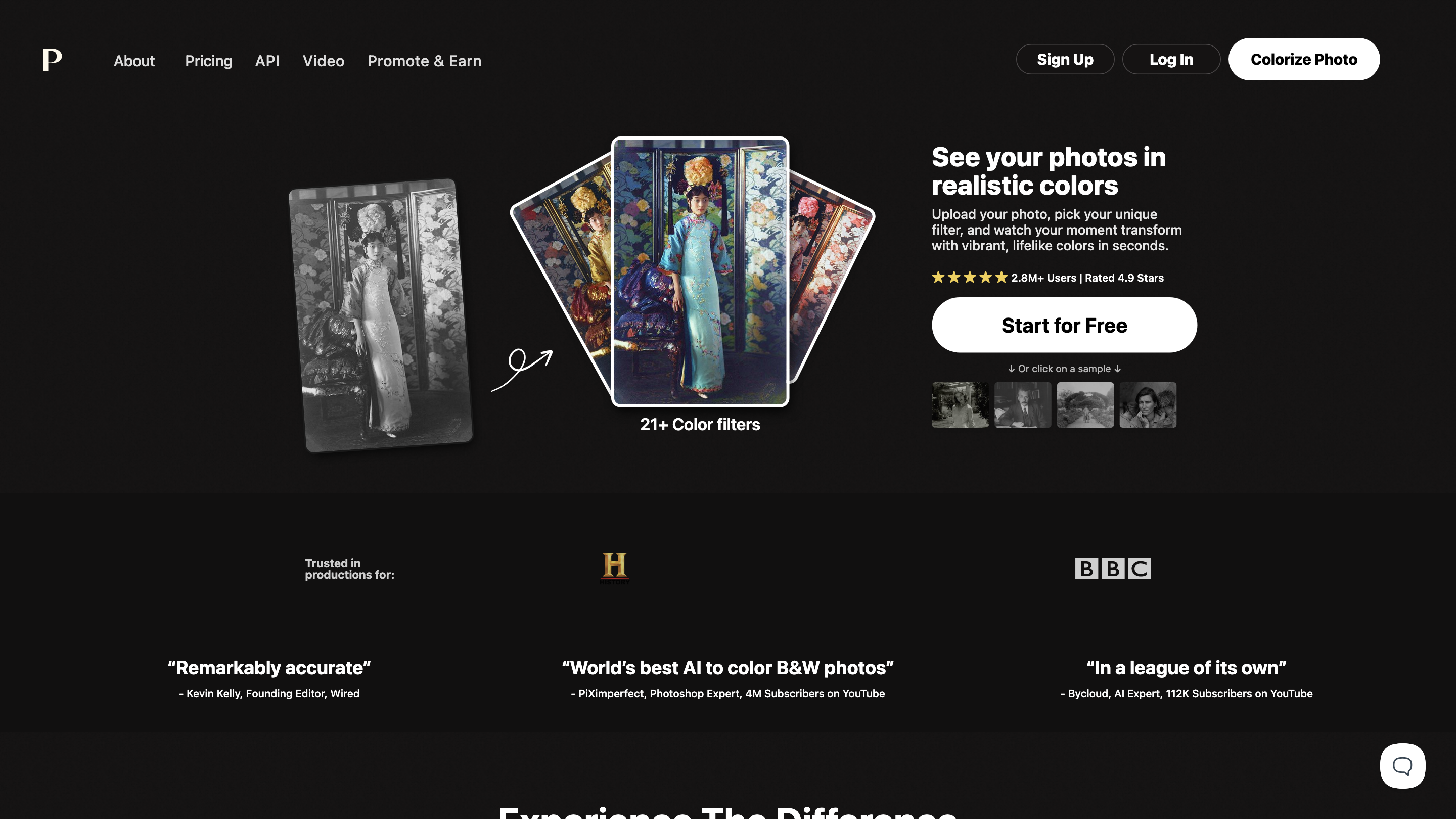
Colorize Photo — Realistic Colors with AI-Powered Filters is an AI-driven colorization tool that transforms black-and-white photos into vibrant, lifelike images in seconds. Boasting over 2.8M+ users and a high 4.9-star rating, it offers a quick, accessible way to restore color and mood to old photos using a variety of color filters and fine-tuning options. The platform highlights fast results, sample images, and flexible pricing plans, including a free tier with limited resolution and watermark, plus paid plans with higher resolutions, more credits, and watermark removal.
How to Use Colorize Photo
- Upload your photo — Click the Upload image button or drag-and-drop your photo (supports common formats).
- Pick a filter — Browse and select from 150+ color filters to apply the desired look.
- Adjust and colorize — Fine-tune colors with available controls, then colorize.
- Download or edit — Save the colorized image in high resolution or continue editing.
Tips: A one-photo credit model is used on paid plans; free previews may include watermarks at lower resolutions.
Pricing and Plans
- Free trial credits available; some features may include watermark and 500x500 max resolution under the free tier.
- Paid plans offer higher resolutions (up to 5000x5000), more credits, watermark removal, faster processing, and access to pro workflows.
- Credits are typically required per colorization; plans may roll over unused credits according to the chosen subscription.
What You Get
- Realistic AI colorization with natural lighting and detail recovery
- 150+ color filters for diverse looks
- One-time purchases or subscription options (with or without watermark)
- Sample images to preview results before colorizing your own photos
- Clear comparison between Before and After views to judge improvements
Safety and Privacy
- Uploads are used for colorization processing; no data is publicly exposed by default. Review terms for data handling and storage if privacy is a concern.
Core Features
- AI-powered colorization of black-and-white photos
- 150+ color filters with adjustable color controls
- High-resolution colorizations up to 5000x5000px on paid plans
- Free trial credits with watermark on previews
- Clear Before/After comparisons
- Sample images and templates to explore styles
- Flexible pricing with credits-based model and subscription options
- Easy download and post-colorization editing
How It Works
- Upload a monochrome photo.
- Apply one of the many color filters powered by AI to generate a realistic colorized version.
- Fine-tune colors and lighting as needed.
- Download the high-resolution colorized image or continue editing.
Notes
- Free plan includes limited resolution and watermark on outputs.
- Paid plans unlock higher resolutions, watermark removal, more credits, and faster processing.
- Credits refresh according to the plan; check terms for rollover and expiration.
What Users Say
- Trusted by 2.8M+ photographers and creators
- Praised for accurate colorization and natural results
Quick Start
Get started for free by uploading a photo and trying a filter.