
Reiden
Open siteOffice & Productivity
Introduction
AI tool saving users time by mastering keyboard shortcuts.




Reiden Product Information
Reiden | AI Productivity Assistant - Your Brilliant Keyboard Shortcut Copilot
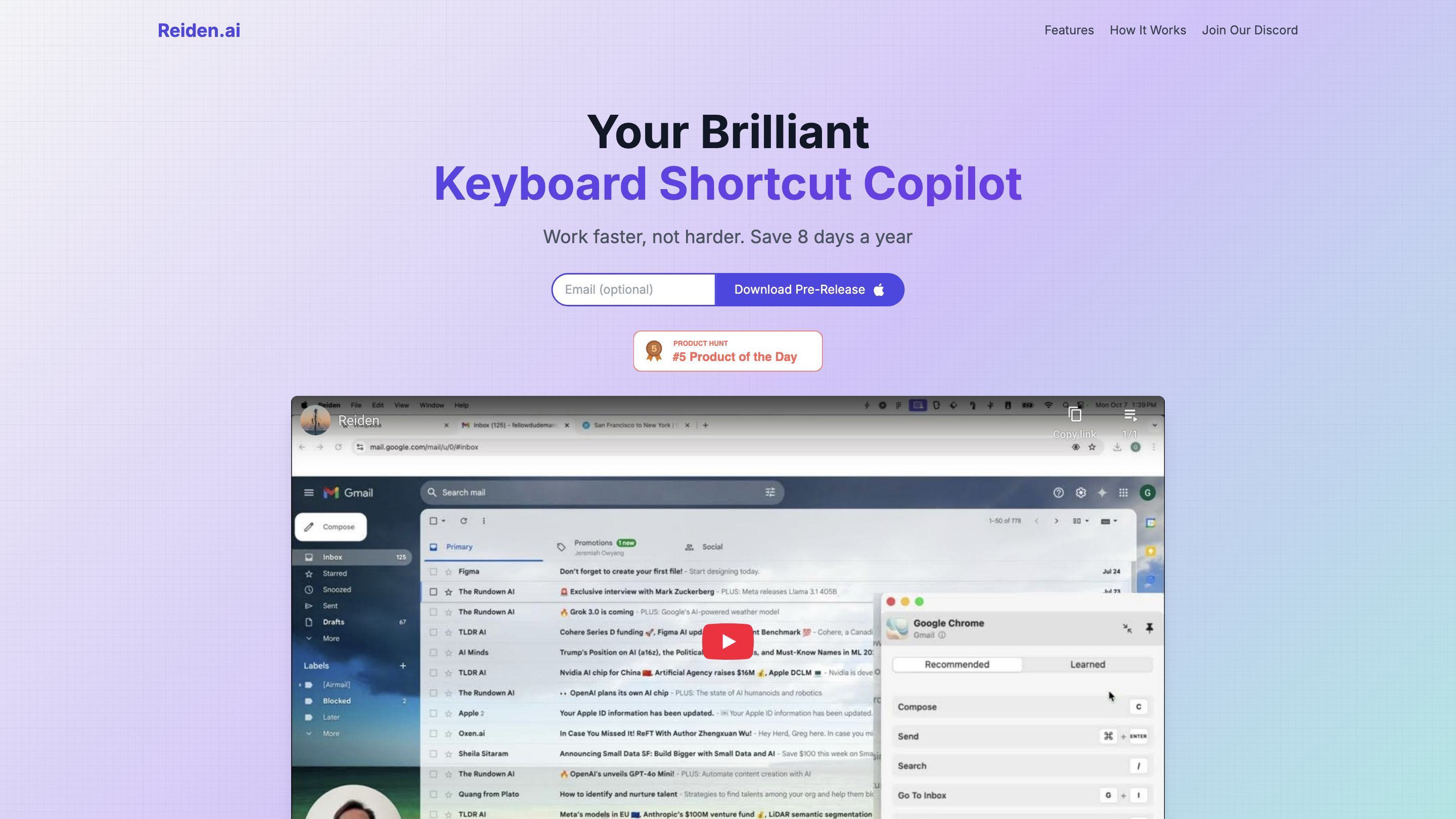
Reiden is an AI-powered productivity assistant that sits in the background on your device to analyze your workflow, recommend keyboard shortcuts, and help you save time across 20+ popular apps. It emphasizes real-time insight, personalized suggestions, and privacy by design, aiming to reduce mouse usage and repetitive strain while boosting overall efficiency.
How It Works
- Install Reiden – Runs in the background on your device.
- Observe and Recommend – Reiden observes your workflow, identifies slow points, and suggests keyboard shortcuts to improve efficiency.
- Save Time – Use the recommended shortcuts to streamline tasks. The platform claims that just 5 daily clicks can save about an hour per year.
Key Features
- Real-time Analysis: Analyze your workflow in real-time for instant improvements.
- Customized Suggestions: Get personalized shortcut recommendations.
- Multi-app Support: Works seamlessly across 20+ popular apps.
- Ergonomic Efficiency: Reduces mouse usage and strain, lowering the risk of repetitive stress injuries.
- Community and Support: Join the Discord community to share tips and shape future updates.
- Privacy by Design: Your data never leaves your device; usage data sharing is opt-in.
How It Works
- Install Reiden on your device.
- Reiden monitors your actions to identify bottlenecks and inefficiencies.
- Receive tailored keyboard shortcut recommendations to apply across supported apps.
- Save time with faster workflows and fewer clicks.
Safety and Privacy Considerations
- Data Privacy: Your data never leaves your device by default. You may opt in to share select usage data to help improve the product.
- Control: Privacy choices are always under your control; you can opt out at any time.
User Testimonials
- “Reiden has transformed the way I work. It’s like having a personal productivity coach.”
- “This app has revolutionized my workflow. I’m saving hours every week!”
- “The personalized suggestions are spot-on. It’s like having a productivity coach.”
- “I’ve become so much more efficient. My colleagues are amazed at my productivity.”
How to Get Started
- Download the Pre-Release version and install.
- Let Reiden run in the background and start collecting workflow data.
- Review and apply the suggested shortcuts to accelerate your daily tasks.
Core Experience
- Real-time workflow analysis to identify bottlenecks
- Personalized keyboard shortcut recommendations across 20+ apps
- Cross-app compatibility for a unified productivity boost
- Ergonomic focus to reduce mouse dependence
- Privacy-first design with optional data sharing
- Active community through Discord to share tips and shape the product
- Easy setup with minimal daily friction