
Sendsteps
Open siteIntroduction
Sendsteps is a time-saving AI tool for creating interactive presentations.




Sendsteps Product Information
Sendsteps — AI-Powered Presentation Maker for Education and Business
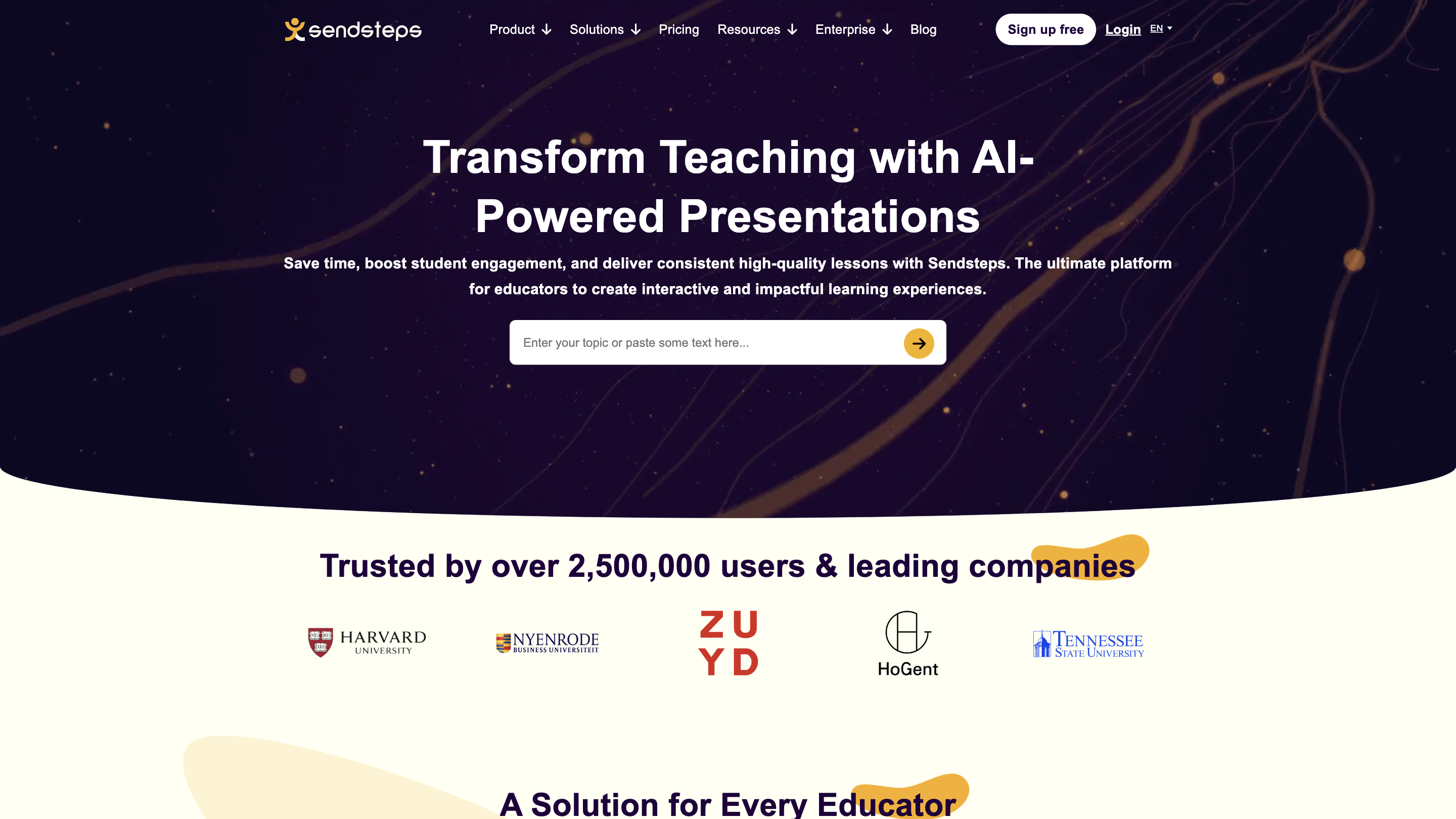
Transform teaching and professional presentations with Sendsteps, an AI-powered platform designed to convert unorganized content into visually stunning, high-quality presentations and engaging quizzes in minutes. Trusted by over 2,500,000 users and leading companies, it helps educators and professionals save time, boost student engagement, and deliver consistent lessons across in-person, remote, and hybrid environments.
What it is
Sendsteps is an AI-driven presentation and interactive learning platform tailored for educational and professional use. It automates content creation, adds visuals and structure, and enables real-time audience participation through live polls, quizzes, Q&A, and word clouds.
Who it’s for
- Primary and secondary educators
- University professors
- Business professionals and teams
- Anyone delivering lessons, trainings, or presentations who wants to engage their audience
Key benefits
- Save time on lesson and material creation
- Enhance student and participant engagement with interactive elements
- Maintain high-quality, consistent content across lessons
- Flexible to support in-person, remote, and hybrid environments
Core features
- AI-Driven Content Creation: Transform raw content into structured, polished presentations with visuals
- Interactive Quizzes: Add live questions that participants respond to via mobile devices
- Live Q&A: Real-time question and answer sessions integrated into presentations
- Live Word Clouds: Visualize audience responses instantly
- Live Quizzes: Engage listeners with real-time assessment
- Easy-to-Use Interface: Designed for educators and professionals of all tech levels
- Branding Options: Customize look to match organization branding
- Enterprise Options: Scalable solutions for organizations and schools
How it works
- Add your content: Upload notes or start from scratch.
- AI enhancement: The AI organizes and polishes the material, adding structure and visuals.
- Deliver: Present with interactive elements (live polls, quizzes, Q&A, word clouds) visible to participants on their mobile devices.
Use cases
- Create AI-powered presentations for lectures, trainings, and meetings
- Turn static lectures into engaging sessions with live interaction
- Reuse and adapt content for multiple classes or sessions with consistent quality
Plans and pricing
- Sign up for free to start using the AI presentation maker and interactive features
- Compare plans for individuals, educators, and enterprises to find the best fit
Safety and privacy
- Designed for educational and professional use with standard data protection practices
- Plans include enterprise options with governance and security controls
How to get started
- Sign up for free
- Upload your content or start from scratch
- Customize branding and interactive elements
- Deliver engaging, structured presentations in minutes