
Text Generator Plugin
Open siteCoding & Development
Introduction
An open-source AI plugin that helps generate content based on knowledge in Obsidian.




Text Generator Plugin Product Information
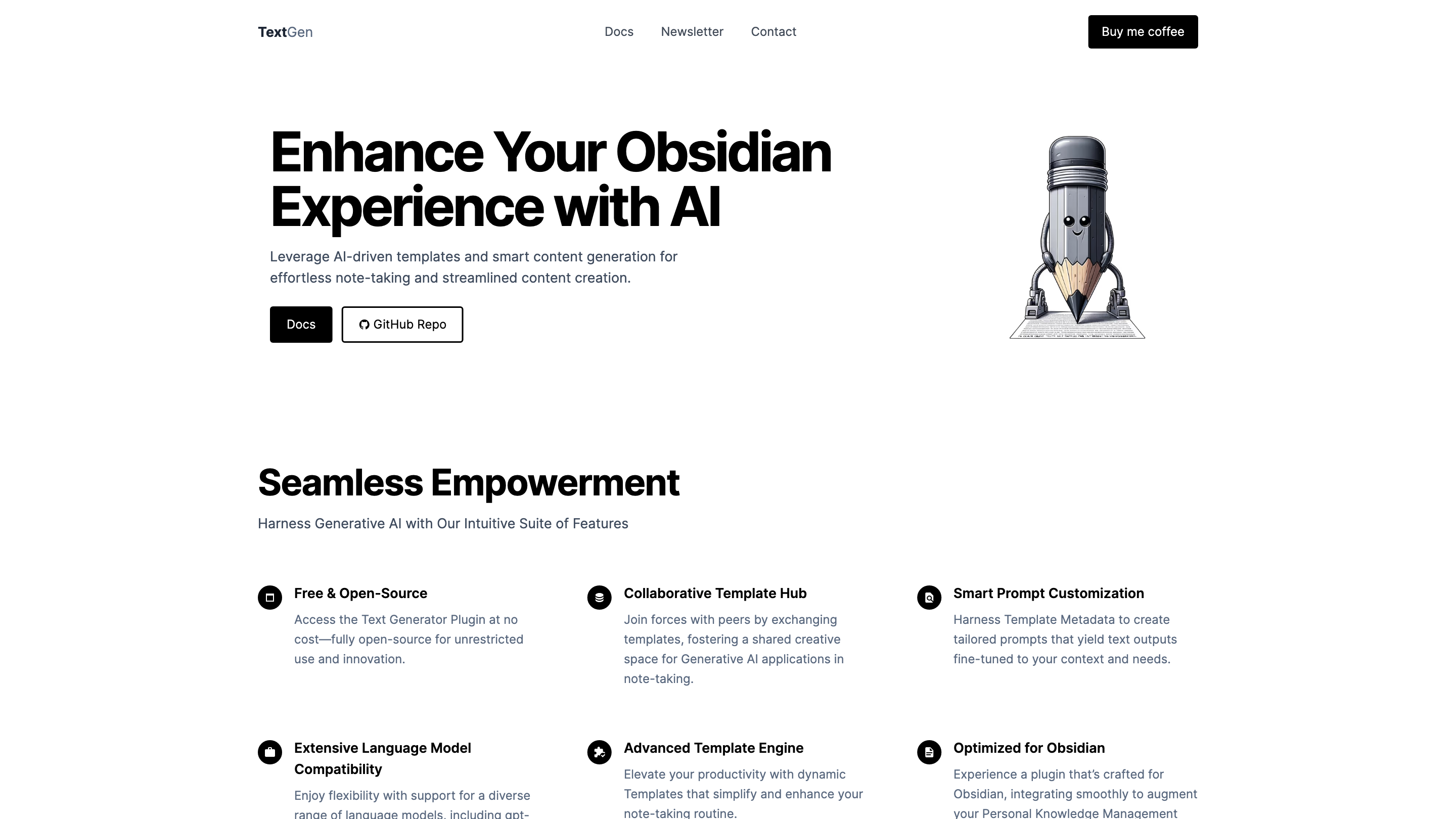
TextGen Text Gen (Obsidian AI) Overview
TextGen is an open-source AI-powered plugin designed to enhance Obsidian note-taking with generative AI templates and smart content generation. It provides seamless integration with Obsidian to streamline content creation, brainstorming, and knowledge management. The platform emphasizes openness, collaboration, and adaptability through a rich template engine and multi-model support.
How to Use TextGen
- Install the TextGen Plugin. Access Obsidian's Community Plugins, search for TextGen, and install it.
- Open the TextGen Panel. Navigate to the plugin panel within Obsidian to access templates, prompts, and settings.
- Choose or Create a Template. Browse the Collaborative Template Hub or craft your own template with dynamic placeholders.
- Customize Prompts. Use Smart Prompt Customization and template metadata to tailor prompts to your context.
- Generate Content. Select a language model (e.g., GPT-4 variants, GPT-3.5, Claude, Bard, Llama) and generate text directly in your notes. Adjust parameters as needed.
- Refine and Save. Edit generated content within Obsidian, then save as a note, template, or snippet for future reuse.
Core Features
- Free & Open-Source Access: Completely open-source for unrestricted use and innovation.
- Obsidian-Optimized: A plugin crafted to integrate smoothly with Obsidian and Personal Knowledge Management practices.
- Collaborative Template Hub: Exchange templates with peers to foster a shared space for Generative AI in note-taking.
- Smart Prompt Customization: Leverage template metadata to craft prompts tailored to your context and needs.
- Extensive Language Model Compatibility: Supports a diverse range of models including gpt-4-1106-preview (gpt4 turbo) 128k, gpt-3.5-instruct, Claude, Bard, and Llama.
- Advanced Template Engine: Dynamic templates that simplify and elevate your note-taking workflow.
- Multi-Model Generation: Generate content using multiple models for comparison or ensemble results.
- Rich Template Ecosystem: Templates for brainstorming, summarization, translation, outlining, idea capture, and more.
- Local-first or Open Access: Emphasizes open-source access with flexible deployment options.
How It Works
- Install and configure the TextGen plugin in Obsidian.
- Use the Collaborative Template Hub to select or publish templates.
- Configure prompts using Template Metadata to tailor outputs.
- Choose from supported language models and generate content directly into your notes.
- Save, reuse, and refine generated content within Obsidian.
Safety and Usage Considerations
- Generated content should be reviewed for accuracy and suitability before integrating into important notes or decisions.
- Respect privacy and data handling policies when using cloud-based models.
Core Benefits
- Accelerates note-taking and content creation with AI-assisted prompts.
- Fosters collaboration through shared templates and community resources.
- Provides flexibility with multiple language models and a powerful template engine.
- Integrates tightly with Obsidian to support PKM workflows.