
TurboDoc
Open siteLegal & Finance
Introduction
AI tool for automating and optimizing invoice processing.




TurboDoc Product Information
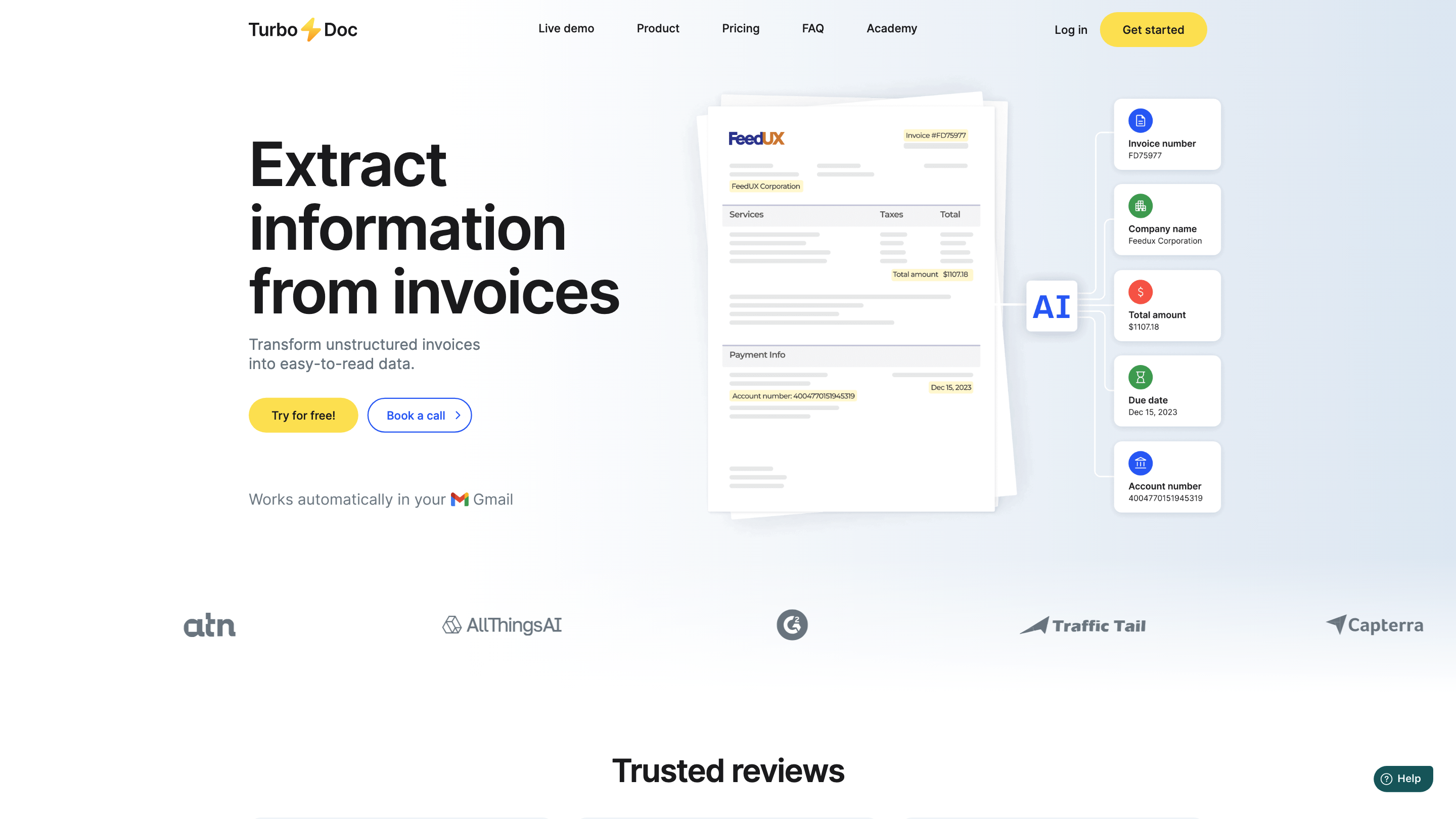
TurboDoc is an AI-powered invoice data extraction and processing platform that transforms unstructured invoices into structured, analytics-ready data. It integrates with email (Gmail), supports multiple file formats, and offers automated workflows to accelerate accounts payable and financial reporting. The solution emphasizes accuracy, data privacy, and seamless integration with existing accounting processes.
How TurboDoc Works
- Upload or connect: Upload invoices directly or connect Gmail to automatically import invoices from your mailbox.
- AI-driven extraction: TurboDoc uses advanced AI models to identify and extract key invoice data (vendor, invoice number, dates, amounts, line items, tax, totals, payment details, etc.).
- Structured data output: Data is organized in a centralized dashboard and can be exported to XLS, CSV, PDF, or integrated into your accounting software.
- Automation and workflow: Use automated processing for recurring invoices, set up dashboards, and generate reports for budgeting and AP optimization.
- Security and privacy: Data is protected with AES256 encryption, stored securely on servers in the USA, and not shared without consent.
How to Get Started
- Start today for free and request a trial to explore features.
- Upload invoices or connect Gmail to automate extraction.
- Review structured data in the dashboard, then export or integrate as needed.
Features
- AI-powered invoice data extraction from various formats (PDF, JPEG, PNG, HEIC, TIFF, etc.)
- Gmail integration for automatic invoice processing
- Structured data output with organized registry of extracted fields
- Support for multiple export formats (xls, csv, pdf, word) for downstream accounting
- Per-month processing plans with scalable invoice limits
- Privacy-centric: encryption at rest, no unauthorized data sharing
- Web-based demo and trial access to experience the extraction workflow
- Industry-agnostic support for English and multiple language capabilities (as applicable)
Core Data Extracted
- Invoice number, date, due date
- Vendor information and payment details (account and routing numbers where available)
- Line items (descriptions, quantities, unit prices, taxes, line totals)
- Subtotals, totals, and VAT/GST specifics
- Currency, total amount, and discount information
- Any additional metadata or notes present on the invoice
Safety and Legal Considerations
- For internal business use; ensure proper authorization to process invoices.
- Data is stored and processed under the privacy terms and encryption standards described in the policy.
Pricing and Access
- Flexible plans with a free starting tier, scalable for growing teams.
- Optional perks include extended processing, premium support, and potential self-hosting options for data residency preferences.
FAQ Highlights
- How does automation save costs? It reduces manual data entry, speeds up processing, and enables early payment discounts.
- Can it handle poor image quality? The system uses robust image processing but recommends clear images for best accuracy.
- Which languages are supported? Primary support is English with options for additional languages as needed.
- Is support included? Yes, with standard and premium options depending on the plan.
Why Teams Choose TurboDoc
TurboDoc is designed for accounts payable optimization, budget planning, and reliable data extraction. It emphasizes ease of use, fast processing, and secure handling of sensitive financial information.