
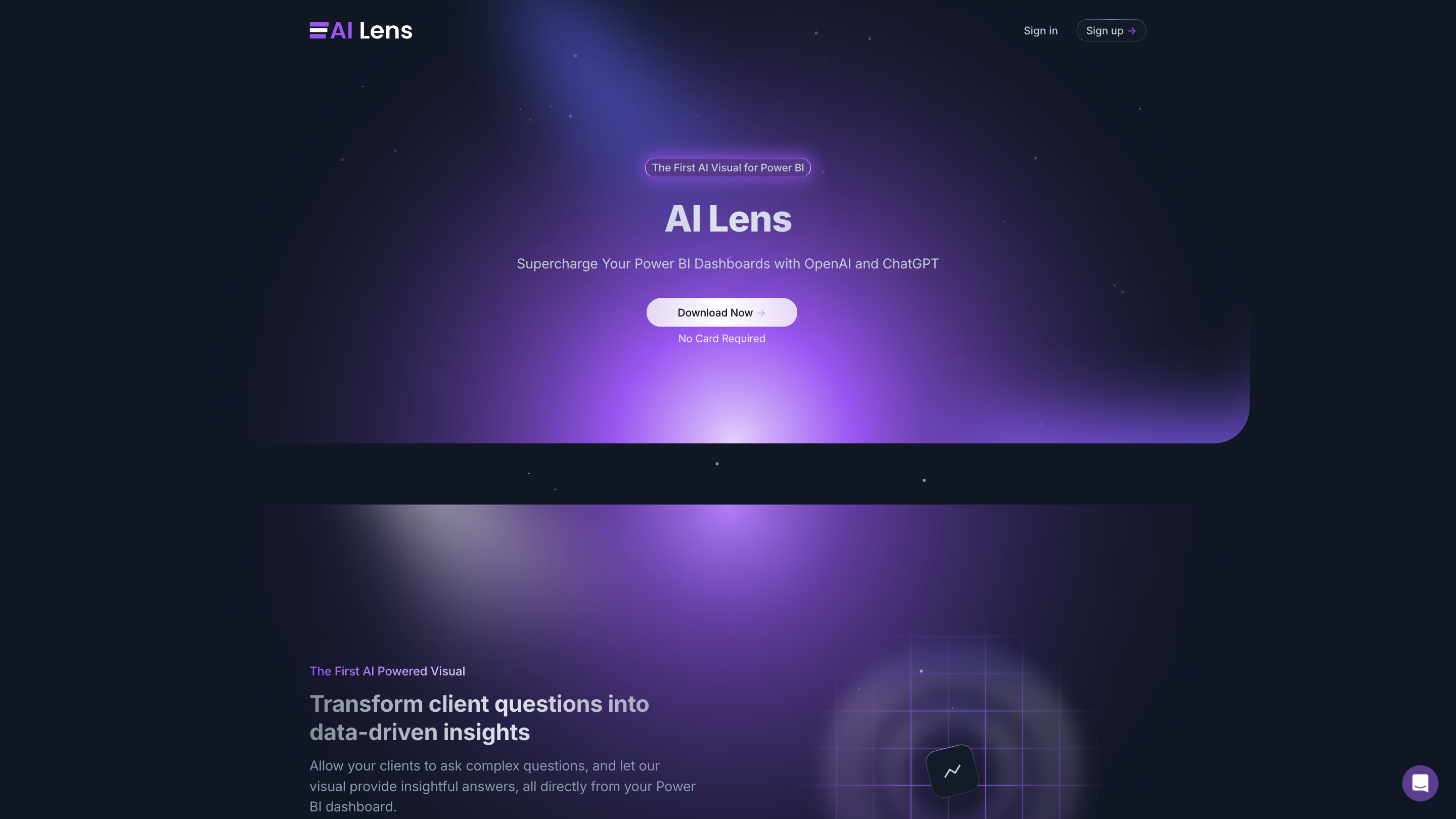
AI Lens For Power BI
Open siteResearch & Data Analysis
Introduction
AI Lens for Power BI enables users to integrate artificial intelligence seamlessly into their Power BI reports.




AI Lens For Power BI Product Information
AI Lens For Power BI is a first-of-its-kind AI-powered visual that supercharges Power BI dashboards by turning natural language questions into data-driven insights. It enables clients to ask complex questions directly within a Power BI dashboard and receive clear, actionable answers powered by AI, all without leaving the interface. The tool emphasizes ease of use, real-time analysis, and privacy, ensuring data remains under the user’s control.
How it works
- Users interact with the AI Lens visual by asking natural language questions about their dataset within Power BI.
- The visual interprets the query and returns data-driven insights in context, directly inside the dashboard.
- It supports real-time analysis by dynamically querying up-to-date data sources and presenting relevant results.
Key Benefits
- Effortless integration: Seamlessly embed AI Lens into any Power BI project.
- Natural language conversations: Communicate with your data as you would with a colleague.
- Actionable insights: Transform questions into clear, decision-ready outputs.
- Real-time analysis: Ensures insights reflect the latest data.
- Brand-aligned visuals: Customizable aesthetics to match your organization’s branding.
- Privacy and data control: Your data remains yours; no unnecessary data handling beyond your Power BI environment.
How to Use AI Lens in Power BI
- Install and sign in/out: Access AI Lens via the Power BI visuals marketplace and add it to your report.
- Configure data sources: Connect or limit access to specific datasets as needed for granular control.
- Ask questions: Enter natural language queries directly into the AI Lens visual.
- Review insights: Read the data-driven responses and, if desired, refine queries for deeper analysis.
Security and Privacy
- Data remains within your Power BI environment; no external data storage or transmission is required.
- OpenAI API usage is aligned with recommended security practices; data is not used to train models as per policy.
- Local memory handling within Power BI post-session ensures ongoing privacy and control.
Compatibility and Integration
- Designed to integrate with any Power BI project.
- Configurable to control access to specific data sources and maintain privacy.
- Real-time interaction with up-to-date data sources.
Use Cases
- Executives asking for high-level KPI trends and drivers from dashboards.
- Analysts drilling into segment performance with natural language prompts.
- Stakeholders requesting scenario analysis and what-if insights in reports.
About the Provider
- AI Lens is developed by Queryon, offering data analytics, product development, and expert consulting to deliver data-driven solutions. All rights reserved © Queryon.
Safety and Legal Considerations
- Use within the Power BI environment to preserve data ownership and privacy.
- Comply with organizational policies for data sharing and visualization.
Core Features
- Native AI-powered visual for Power BI dashboards
- Natural language question answering directly inside Power BI
- Real-time data interrogation with up-to-date insights
- Customizable visuals to align with brand aesthetics
- Granular data source access control and privacy safeguards
- No client-side data leakage outside Power BI environment
- Easy installation and seamless Power BI integration