
Aurore.ai
Open siteChatbots & Virtual Companions
Introduction
AI companion for gaming and productivity.




Aurore.ai Product Information
Aurore.ai — Your AI Companion for Gaming and Working
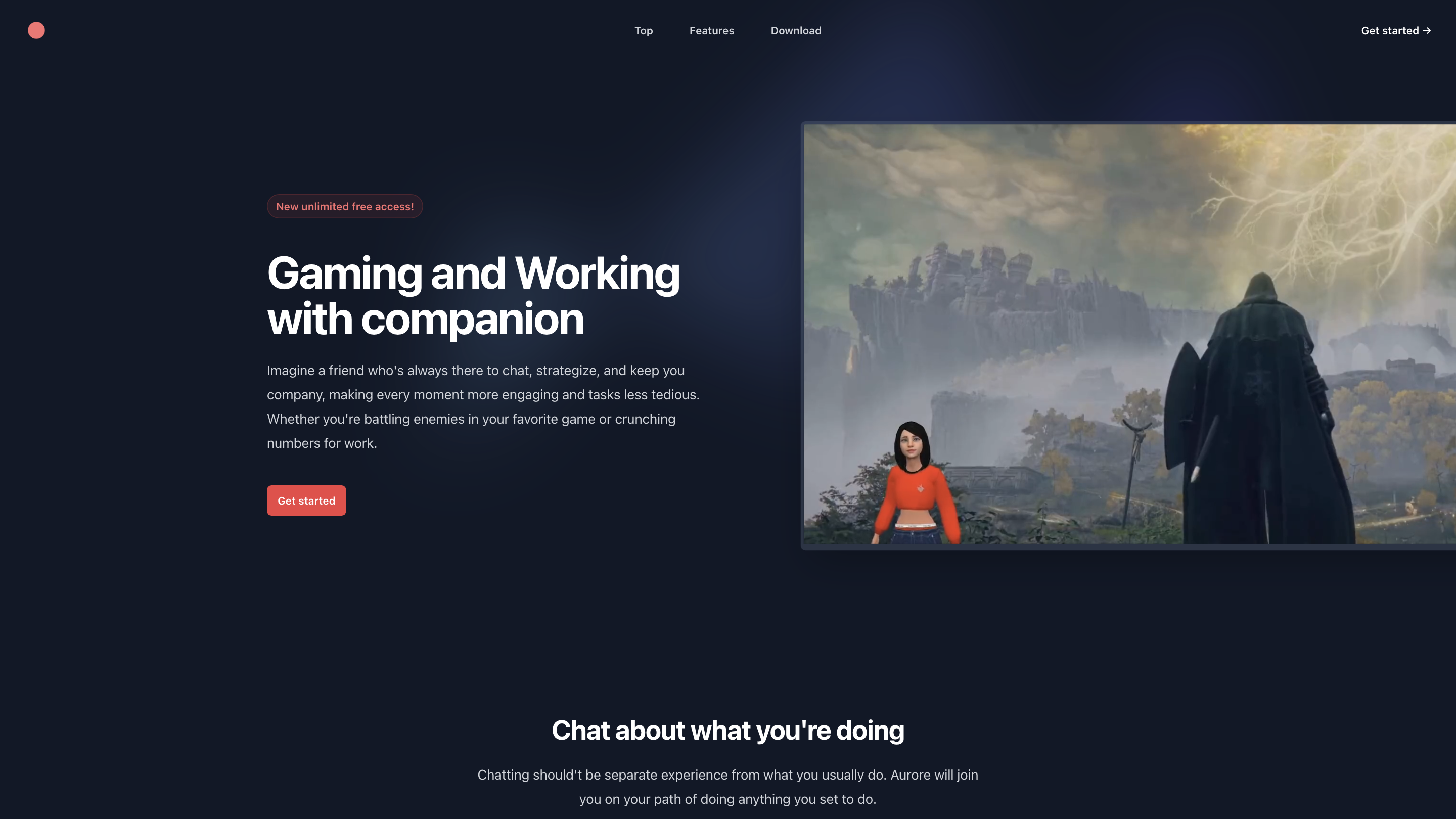
Aurore.ai is an AI-powered virtual assistant designed to accompany you across gaming and work tasks. It acts as a constant companion that can chat, strategize, and help you stay engaged while you play or handle work-related activities. It supports hearing you and viewing your computer screen to better assist with real-time context.
Key value propositions:
- Real-time companionship during games and work tasks
- AI-driven insights, suggestions, and collaboration
- Multimodal interaction (voice and screen context) to stay aligned with what you’re doing
- Free access with ads support through a partner integration
- Cross-platform availability (Mac ARM and Windows x64)
Note: A JS-enabled environment is required for the app to run properly in a browser or wrapper.
How to Use Aurore.ai
- Download and Install
- Choose your platform (Mac ARM or Windows x64) and install Aurore.ai.
- Open and Start the Companion
- Launch the app, grant necessary permissions so Aurore can hear you and access screen content if needed.
- Begin Interaction
- Start a chat about what you’re doing, ask for help with tasks, strategies for games, or work-related guidance.
- Leverage Real-Time Assistance
- Let Aurore listen to your commands and observe your screen to provide contextual tips, plan steps, or collaborative ideas.
Disclaimer: This tool operates with ads to support free access.
Use Cases
- In-Game Strategy and Tips: receive tactical suggestions, enemy patterns, or team coordination ideas.
- Work Assistance: brainstorm, organize tasks, summarize information, or draft content while you work.
- Contextual Help: Aurore can understand your current activity and offer relevant insights without interrupting your flow.
Features
- Real-time AI companion that chats while you work or play
- Multimodal capability: can hear you and see your computer screen for context
- Cross-platform availability: Mac (ARM) and Windows (x64)
- Free access supported by ads
- Up-to-date AI featuring cutting-edge language and contextual understanding
- Seamless integration with gaming and productivity workflows
- Simple download and setup process
Safety and Privacy Considerations
- Ensure you share only appropriate screen content and manage permissions according to your organization's policies.
- Review any data collection and usage terms as applicable to the free-with-ads model.
What’s New / Footer
© 2025 ARCLOOP LIMITED. All rights reserved. Terms and Conditions