
Visily: AI-Powered Wireframing & Design
Open siteArt & Creative Design
Introduction
Visily simplifies the design process with AI-powered wireframing.




Visily: AI-Powered Wireframing & Design Product Information
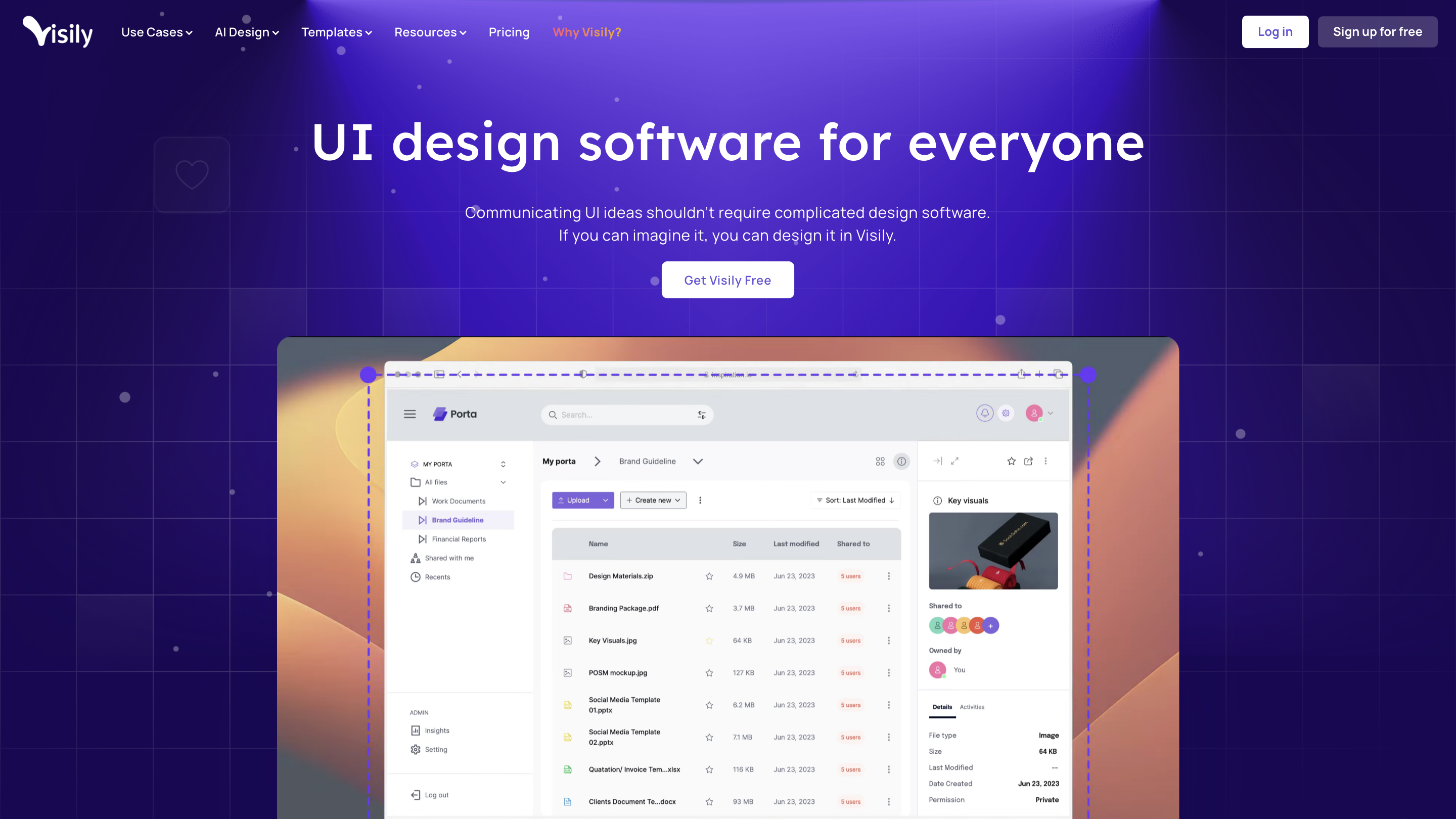
Visily is an AI-powered UI design software that enables rapid ideation, wireframing, prototyping, and collaborative design. It emphasizes accessibility, enabling anyone to design hi-fidelity UI without a steep learning curve. The tool leverages AI to convert text prompts, screenshots, and other inputs into editable, high-fidelity designs and provides a large library of templates and smart components for efficient workflows.
How Visily Works
- Input to Design: Use text prompts, screenshots, or sketches to generate editable UI screens. Examples include: Text to Diagram, Text to Design, and Screenshot to Design.
- AI-Assisted Adaptation: AI helps remove design friction, convert ideas into polished screens, and adjust layouts to create a cohesive UI quickly.
- Templates & Reuse: Access over 1,500 prebuilt templates to jumpstart projects and maintain consistency with reusable components.
- Collaborative Workflow: Design in a shared environment to facilitate collaboration among team members and stakeholders.
- Export & Handoff: Create hi-fidelity mockups and deliverables suitable for development handoff.
Key Use Cases
- Brainstorming UI ideas
- Wireframing and prototyping
- Collaboration across product, design, and engineering
- AI-assisted design acceleration (Text to Diagram, Text to Design, Screenshot to Design, Sketch to Design)
- Rapid creation of hi-fidelity mockups from concepts
Core Features
- AI-driven design from text prompts, screenshots, and sketches
- Text to Diagram and Text to Design for rapid flowcharts and UI screens
- Screenshot to Design converts images into editable screens
- Sketch to Design to turn hand-drawn ideas into editable UI
- Theming and premade templates (1,500+ templates) for quick starts
- Smart Components and UI Presets for consistent design systems
- Rich library of images & icons for visual assets
- Collaboration features to enable team feedback and co-editing
- No steep learning curve: immediate access to hi-fidelity wireframes and prototypes
- Unified workflow from ideation to prototyping
Design Philosophy & Benefits
- Accessibility: designed for everyone, eliminating the need for complex design software to communicate UI ideas.
- Speed: AI simplifies workflows and reduces time to create high-fidelity mockups.
- Collaboration: fosters teamwork by providing a shared space for ideation and feedback.
- Reusability: templates and smart components help maintain consistency across projects.
Why Visily? (Highlights)
- No learning curve with immediate access to professional-grade wireframes and prototypes
- AI features remove design bottlenecks and streamline workflows
- Text to Diagram, Text to Design, and Screenshot to Design enable rapid concept-to-design transitions
- Large template library and component presets accelerate project kickoff
How to Use Visily (Brief Guide)
- Start a new project and choose a design approach (Text to Design, Screenshot to Design, Sketch to Design, etc.).
- Input your idea via text prompt or upload a screenshot/sketch.
- Leverage AI to generate editable screens and iterate using templates and smart components.
- Refine with built-in editing tools and collaborate with teammates.
- Export hi-fidelity mockups for handoff.